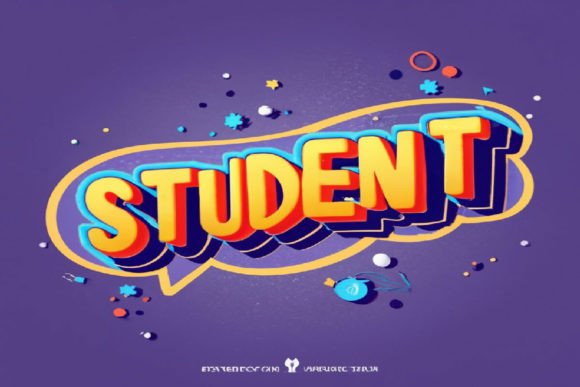
Student 3D Style Text Effect Editable Design Asset
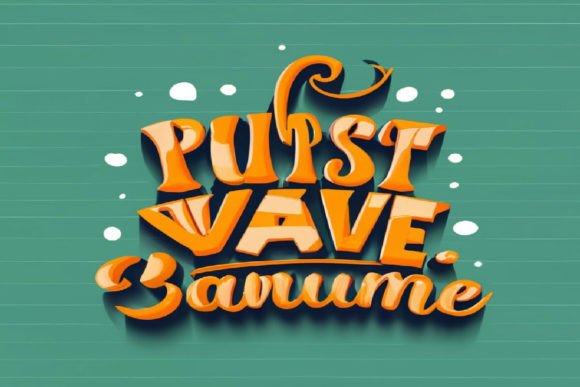
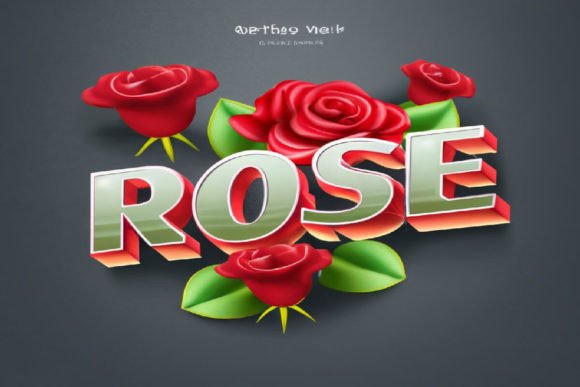
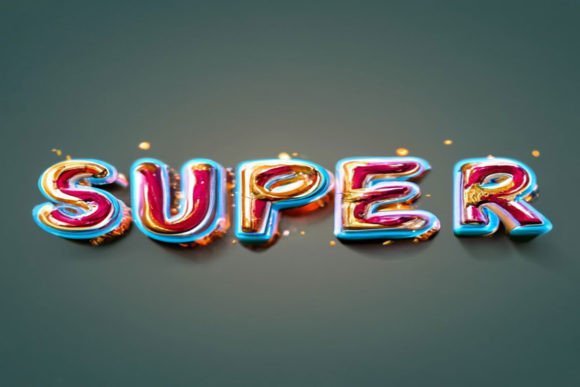
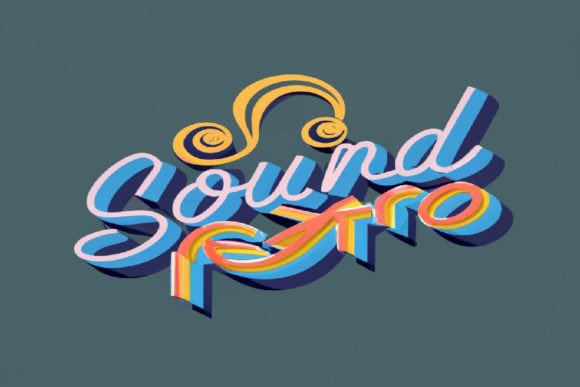
Imagine transforming simple words into a striking, three-dimensional headline that instantly grabs attention. That's the power of a well-crafted design asset like the Student 3D Style Text Effect Editable. This is a clean, eye-catchy text effect suitable for a wide range of businesses and creative projects, designed to make your typography pop with depth and modern flair. Whether you're a seasoned designer or just starting, this tool is built for ease and impact.
At its core, this is a premium font effect delivered as a layered PSD file. It leverages smart object technology, meaning you can edit the text non-destructively. The process is straightforward: simply open the smart object layer, type in your desired words, save, and watch as your text instantly adopts the polished 3D style. The file is ready to use, requiring only a basic understanding of Photoshop to customize.
Key Features for Seamless Design
This design asset is packed with features that prioritize flexibility and professional results. Its high-resolution output ensures your designs look sharp on screens and in print. The standout characteristics include:
- Easy to Edit: The smart object workflow makes customization a breeze.
- Fully Editable Colors: Change both the text and background color to match any brand palette.
- Layered PSD: Offers full control over the design elements.
- Free Font Included: The accompanying typeface is included, ensuring a cohesive look from the start.
Practical Applications for Modern Creators
The versatility of a 3D style text effect opens up numerous possibilities for enhancing visual projects. It's particularly effective for designs that need to stand out in a crowded space. Consider using it for:
- Logo Design & Brand Identity: Create memorable logotypes or brand marks with a modern, tactile feel. It helps build immediate visual recognition.
- Poster Design & Editorial Layouts: Craft captivating headlines for posters, magazine covers, or blog graphics that demand reader attention.
- Social Media Graphics: Design scroll-stopping visuals for Instagram stories, Facebook posts, or YouTube thumbnails where first impressions are critical.
- Packaging & Merchandise: Add a unique, premium touch to product labels, t-shirt designs, or promotional merchandise.
- Web Design & Digital Products: Use it for hero sections, call-to-action buttons, or ebook covers to improve user engagement and convey quality.
Tips for Choosing and Using Text Effects
When integrating any new design asset, a few considerations can maximize its impact. First, always check the readability of your final text, especially at smaller sizes. The mood of the 3D effect should align with your project—this particular style leans towards a clean, contemporary, and dynamic vibe. Experiment with font pairings; while the included font works perfectly, combining it with a simple sans-serif for body text can create excellent hierarchy.
Ensure the license of any commercial font or asset fits your intended use, whether for personal projects or client work. The right typographic choice, like a well-designed 3D text effect, does more than just display words. It elevates the entire composition, strengthens brand consistency, and communicates professionalism. By selecting a thoughtfully crafted asset, you invest in the visual polish and effectiveness of your creative output.